
KeplerSync
Files · Version V1
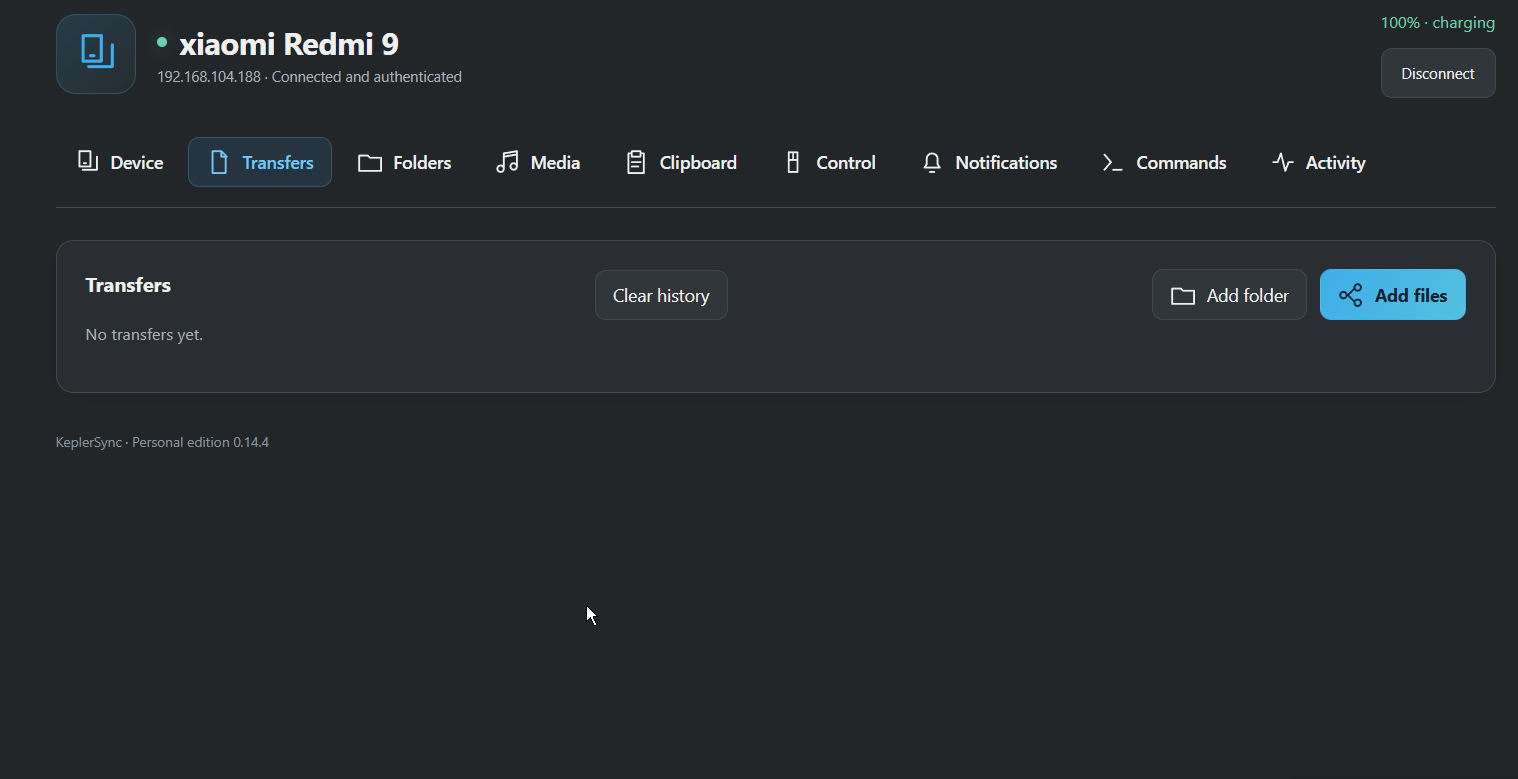
KeplerSync connects Windows PCs and Android devices over your local network. Transfer files, share your clipboard, and control paired devices from one app.
Screenshots
Screenshots
About this app
KeplerSync
KeplerSync connects Windows PCs and Android devices over your local network. Transfer files, share your clipboard, and control paired devices from one app.
Features
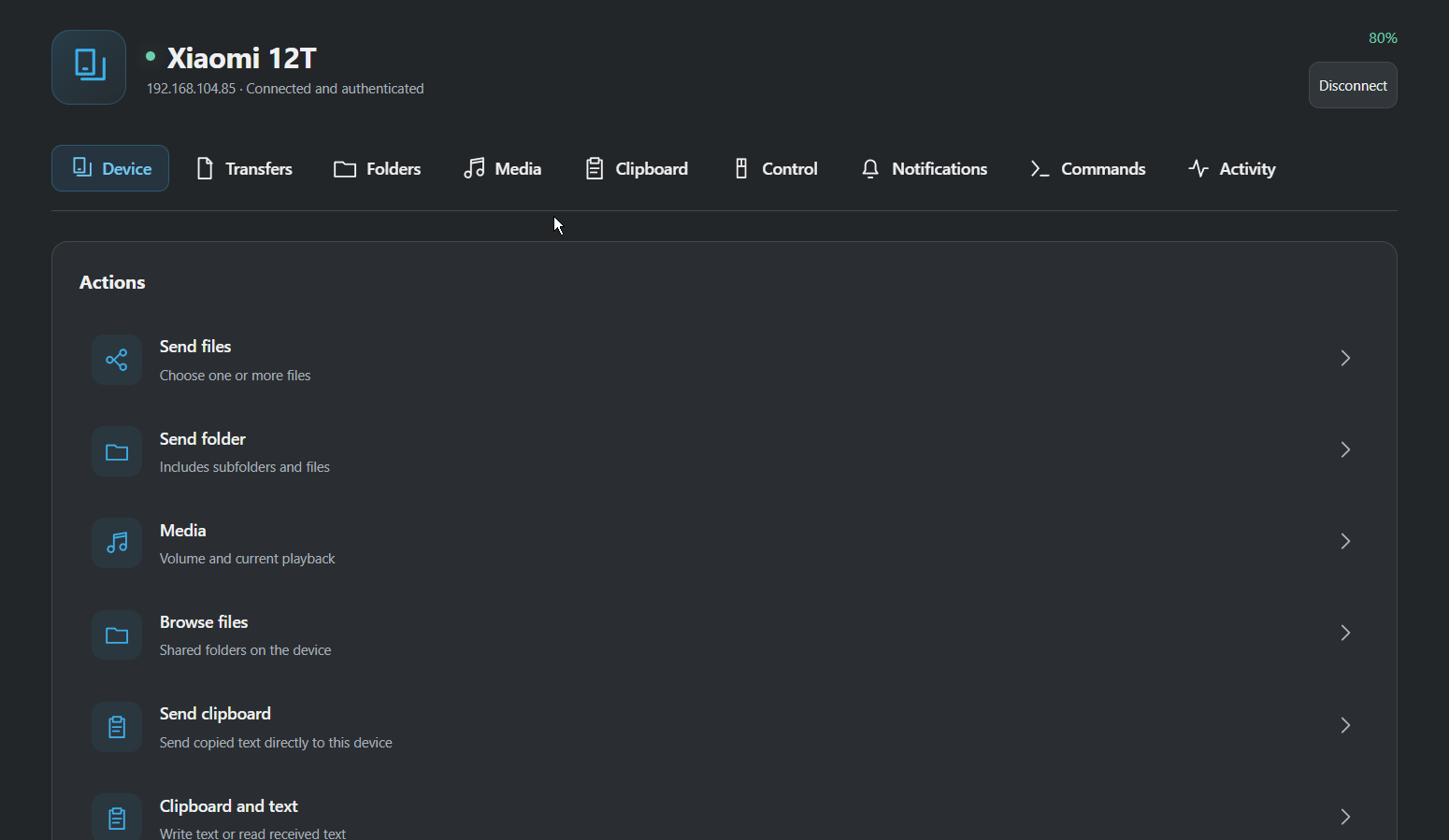
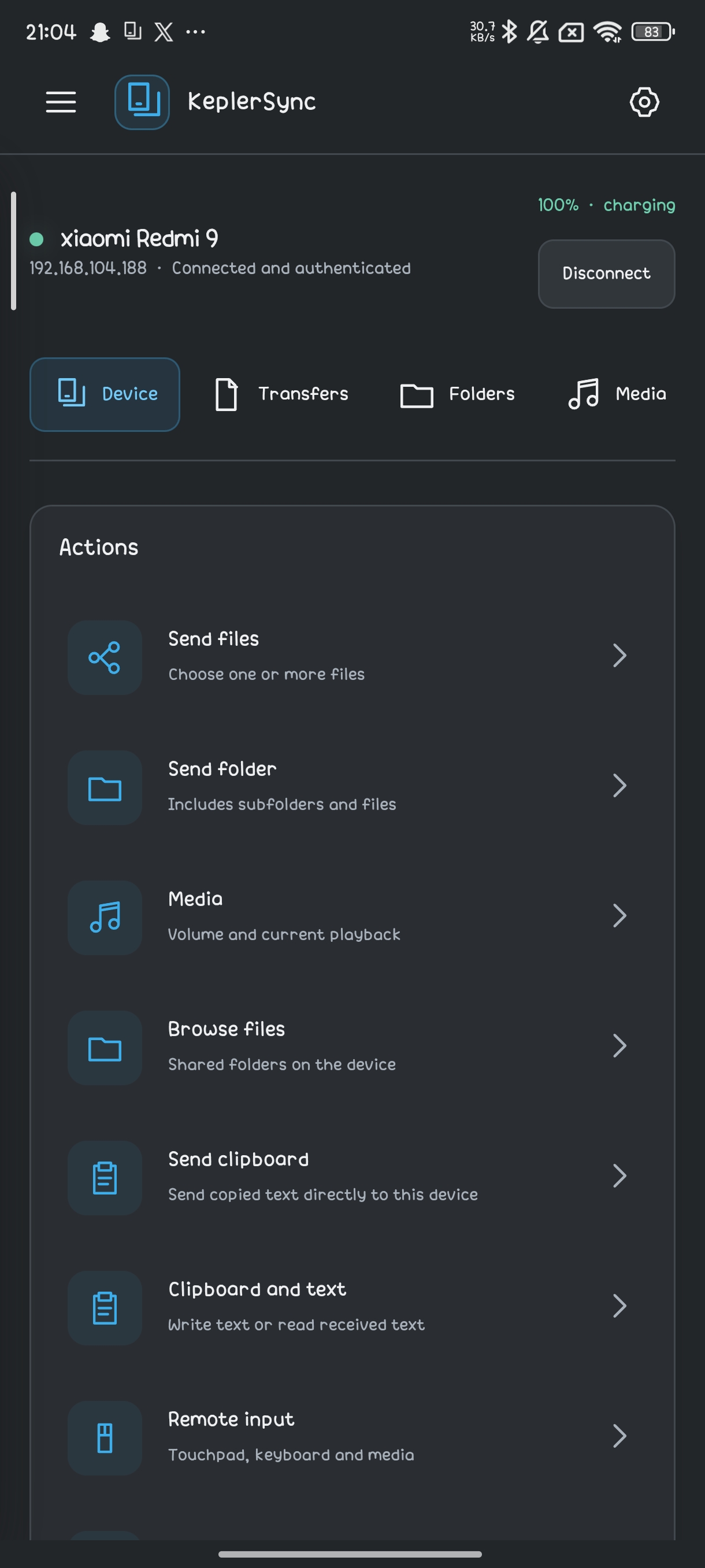
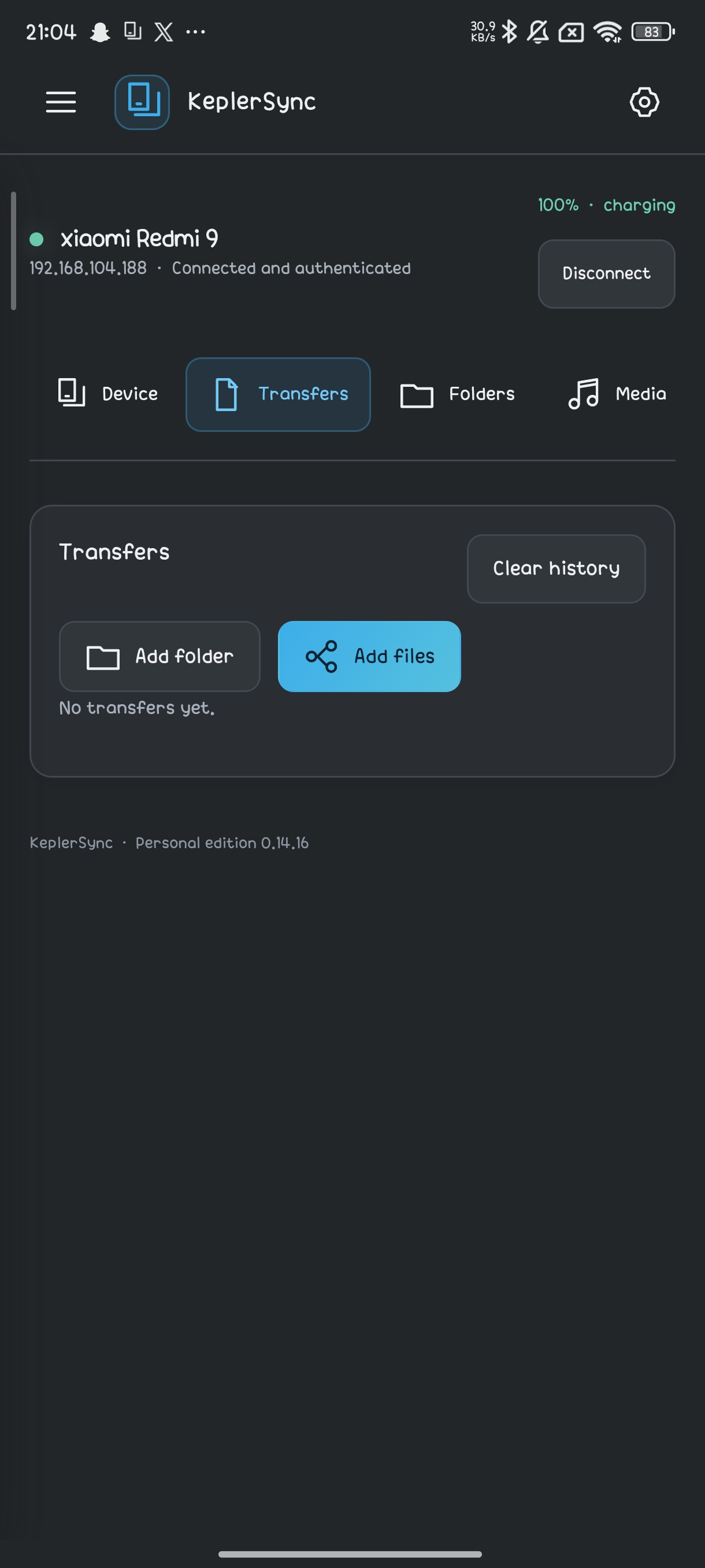
- File transfers. Send files and folders to multiple devices in parallel. Transfers resume after interruptions, and received files are checked for integrity.
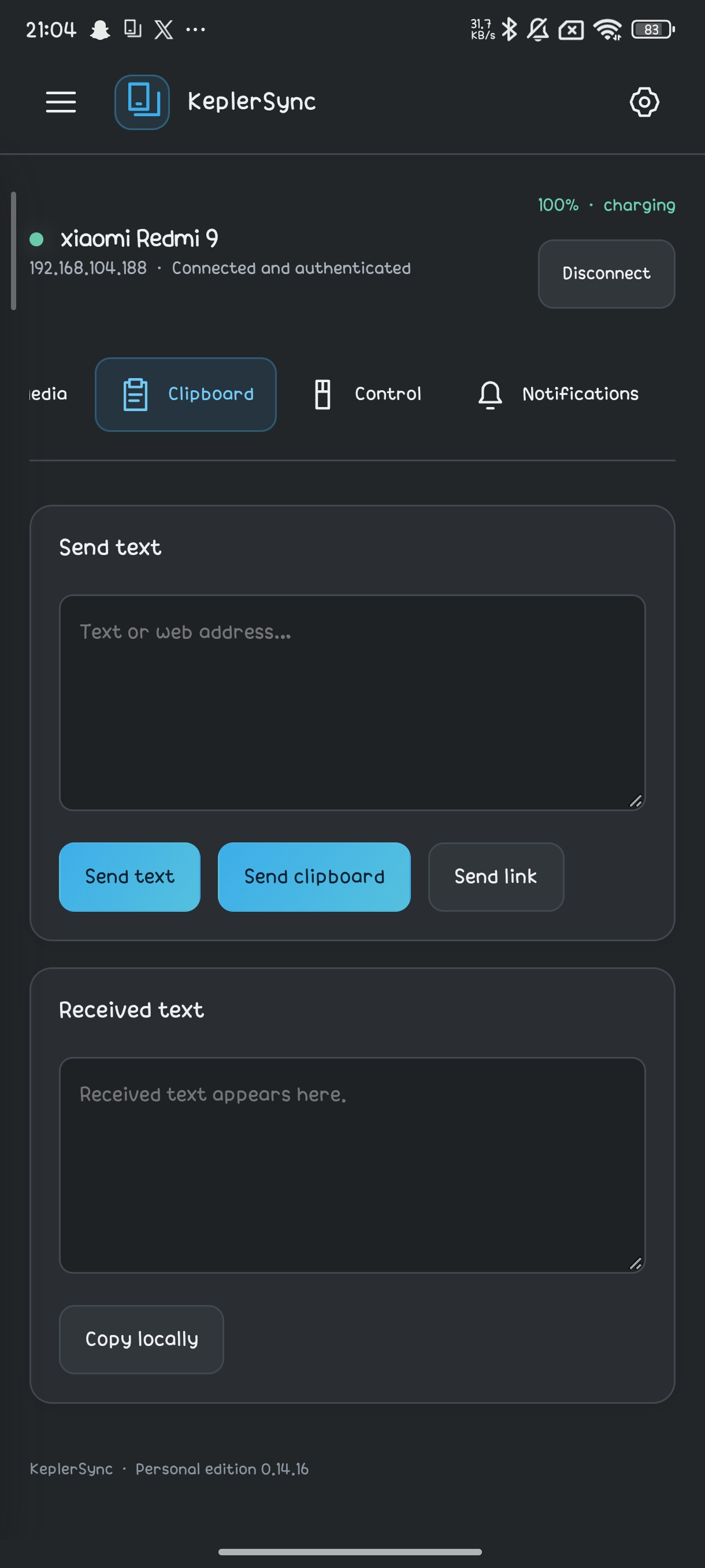
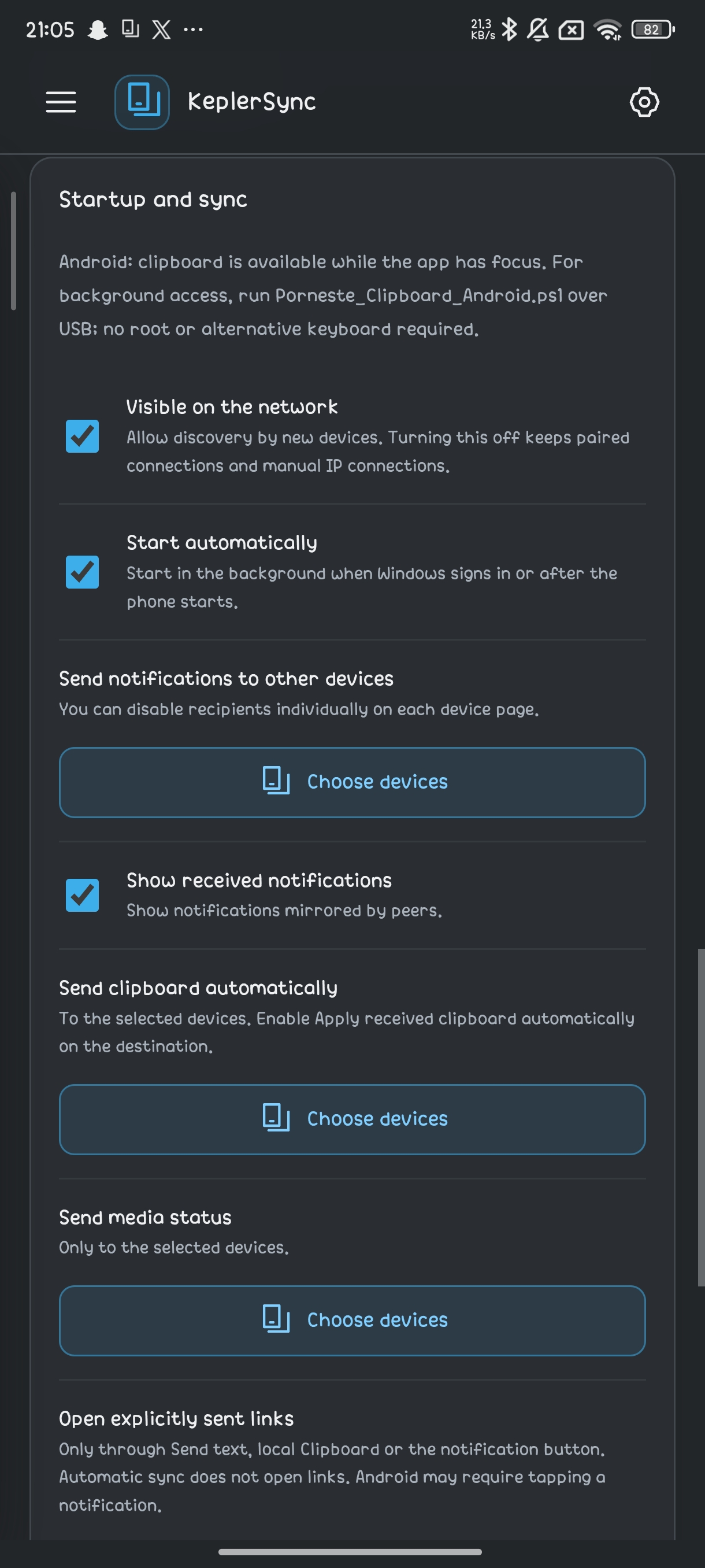
- Clipboard and links. Share copied text or open a link on selected devices. On Windows, both actions are available from the system tray.
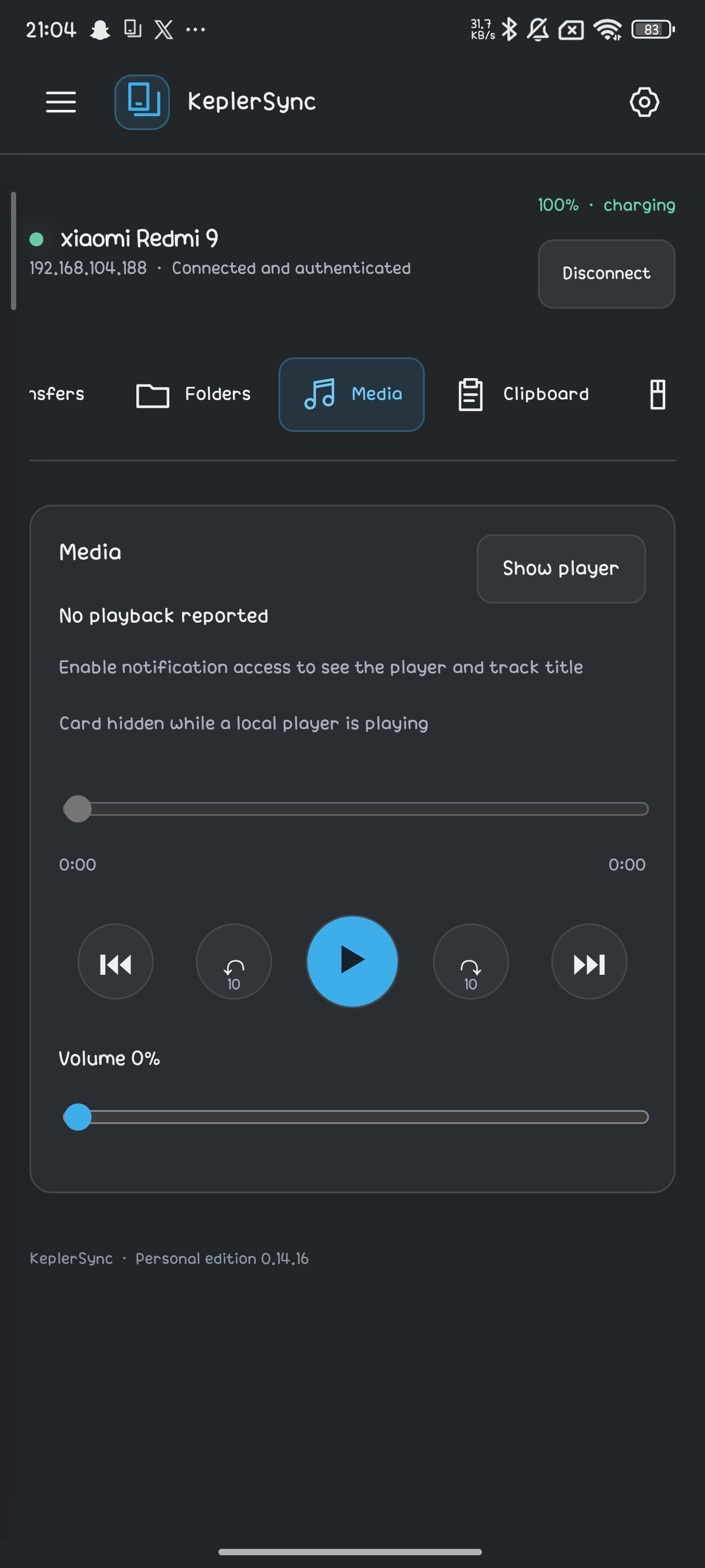
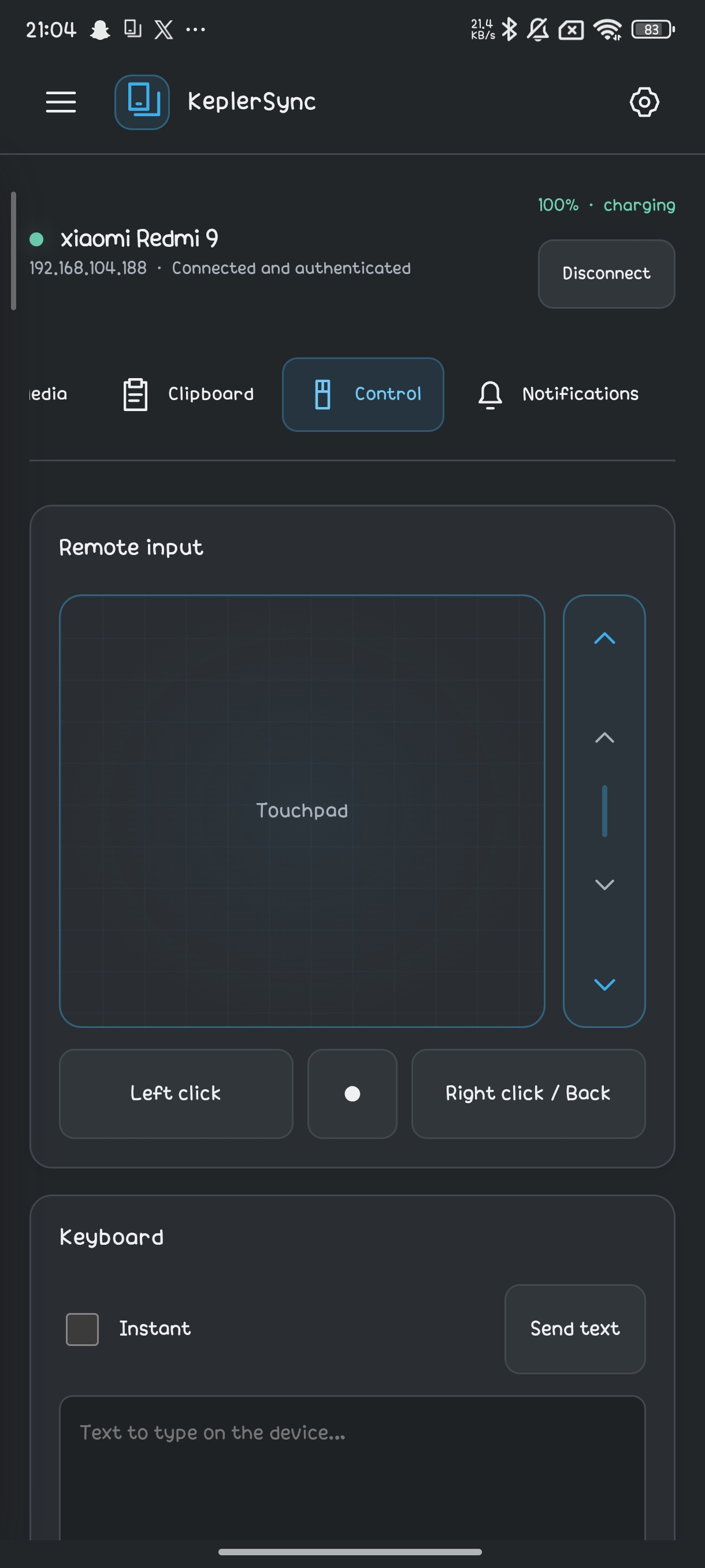
- Remote controls. Use your phone as a touchpad or keyboard, and control media playback and volume on a paired device.
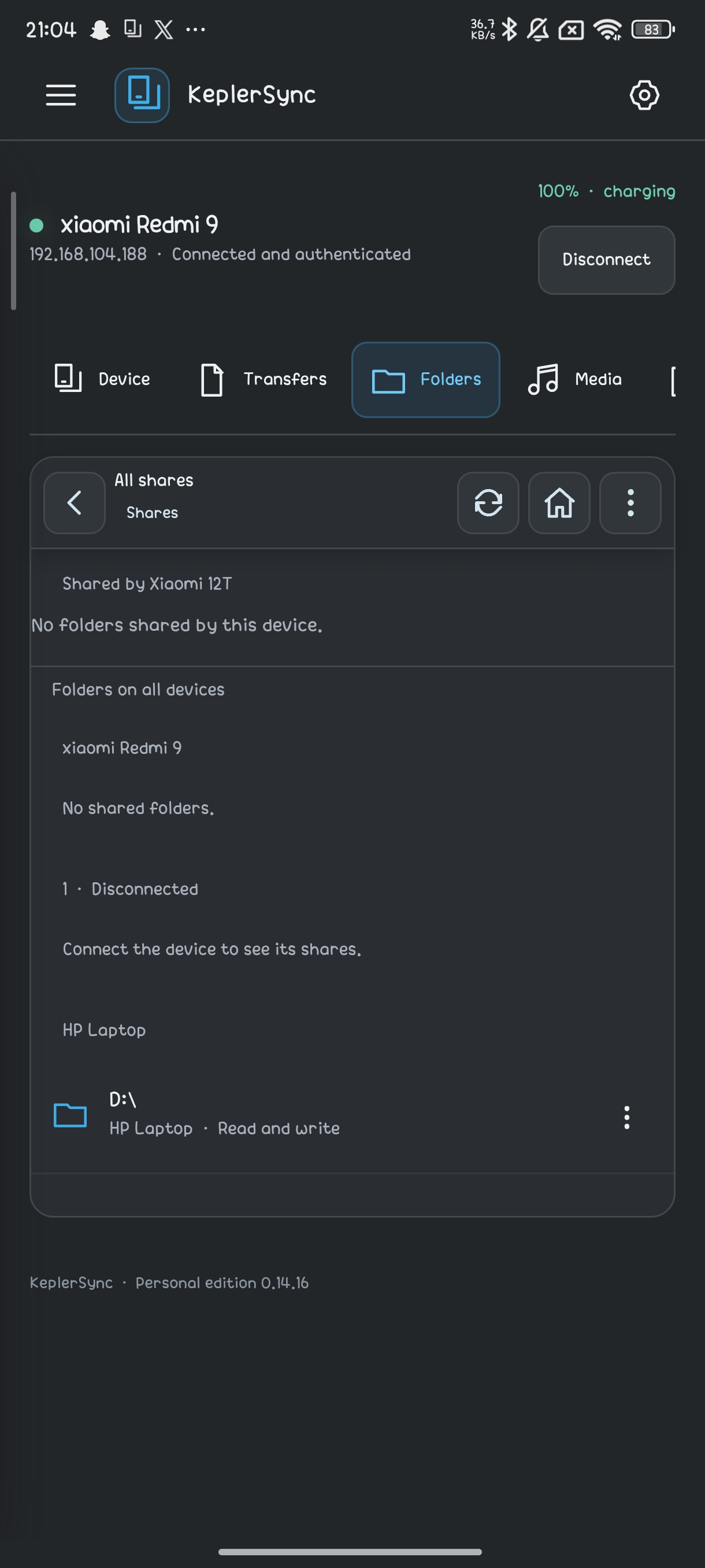
- Shared folders. Browse remote folders, preview supported photos and videos, and download files.
- Android notifications. View notifications from paired devices, with reply and dismiss actions where supported.
- Windows integration. Send files from the File Explorer context menu and keep KeplerSync running in the system tray.
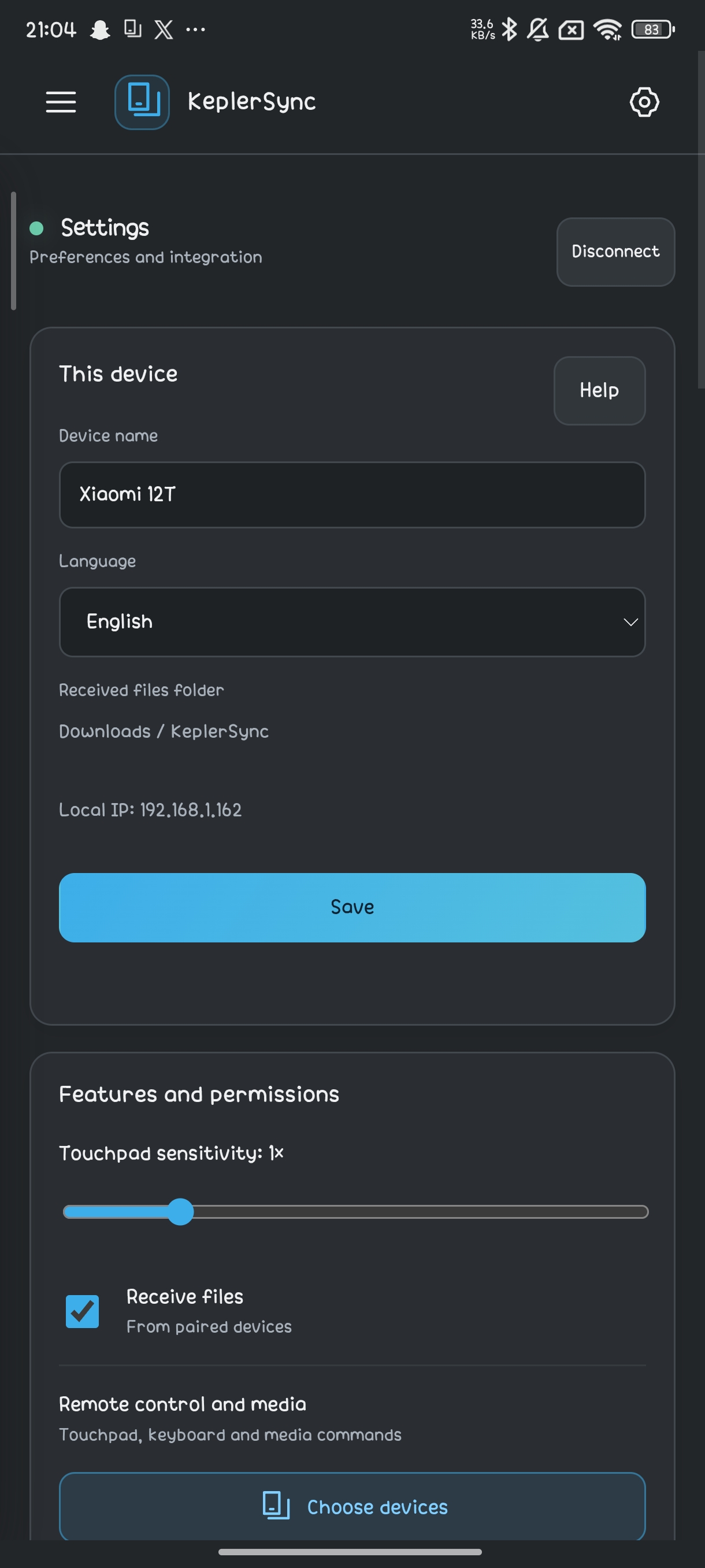
- Encrypted connections. Verify a pairing code and choose which features each paired device can use.
Getting started
- Install KeplerSync on your Windows or Android devices.
- Connect the devices to a local network or hotspot where they can reach each other.
- Select a discovered device or enter its IP address, then compare the pairing code and approve the connection.
- Enable the features you want to use with each device.
Ratings and reviews
Ratings come from signed-in users. App installation is not verified.
Sign in to rate